
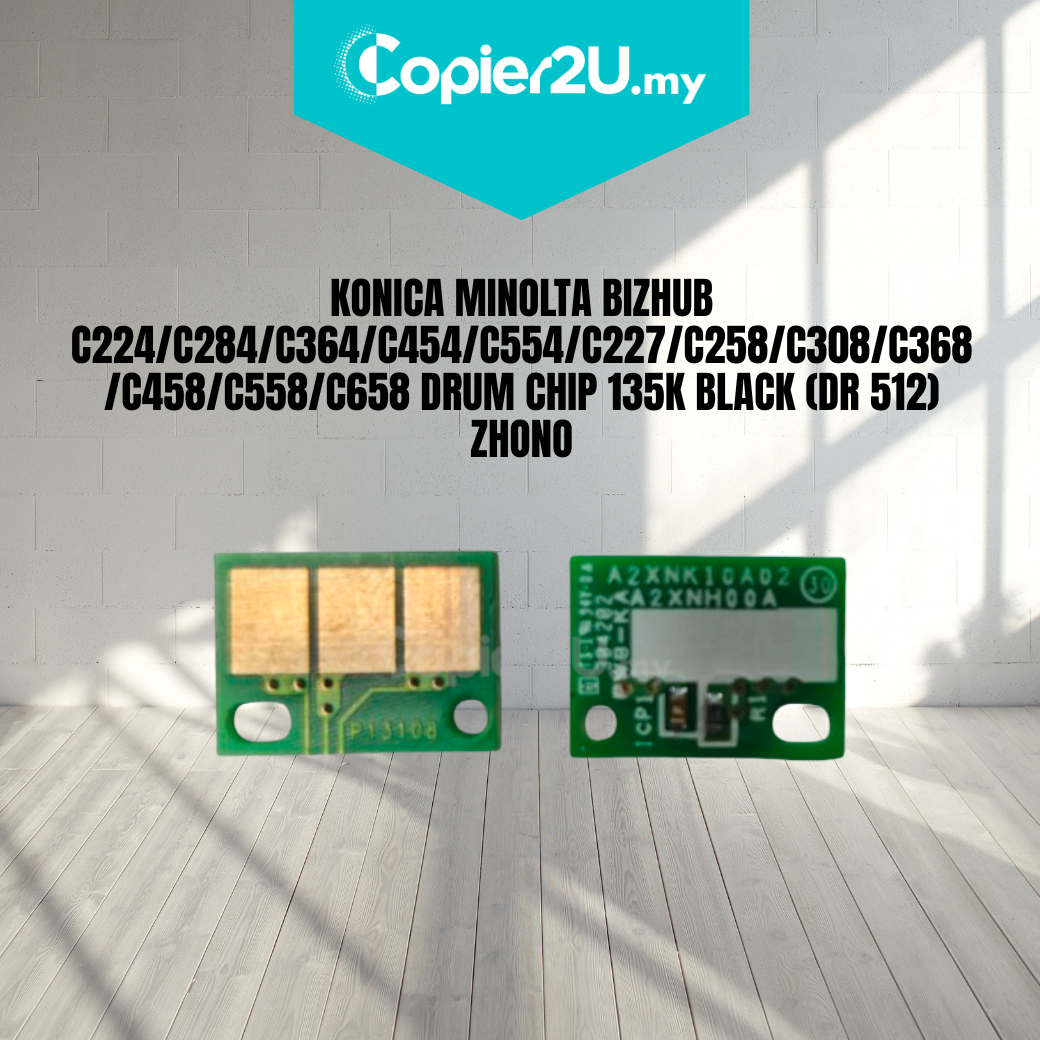
Zhono Premium Black Drum Reset Chip (135,000 Yield) for Konica Minolta DR-512
Product Overview Reset your machine’s maintenance counter and maximize the life of your imaging unit with the Zhono Premium DR-512 Black Drum Chip. Specifically engineered for the Konica Minolta Bizhub C224 through C658 series, this chip is the professional choice for rebuilding and resetting the DR-512 (A2XN0RD) black drum unit.
As a Zhono product, this chip features high-stability firmware that ensures a seamless "handshake" with the machine’s controller. It provides accurate tracking for a full 135,000-page yield, preventing premature "Replace Drum" lockouts and ensuring consistent print density.
Key Features:
- Zhono Smart-Tech Firmware: Designed to be 100% compatible with all Konica Minolta firmware versions, avoiding the "Non-Genuine" or "Service Call" errors common in lower-grade chips.
- 135,000 Page Yield: Precisely programmed to match the high-capacity OEM specifications for black (K) monochrome imaging units.
- Massive Compatibility: A universal reset solution for the e-Series (C224/C364), 7-Series (C227/C287), and 8-Series (C258/C458/C658).
- Stable Signal Transmission: Equipped with gold-plated contact points to ensure a perfect electrical connection even in high-speed production environments.
Specifications:
- Brand: Zhono
- Color: Black (K)
- Yield: 135,000 Pages (@ 5% Coverage)
- Compatibility:
- e-Series: Bizhub C224 / C284 / C364 / C454 / C554 (including "e" models)
- 7-Series: Bizhub C227 / C287
- 8-Series: Bizhub C258 / C308 / C368 / C458 / C558 / C658
- Drum Unit Reference: DR-512 / A2XN0RD
- Condition: New
Technician’s Maintenance Tip:
The Konica Minolta 8-Series (C258-C658) is highly sensitive to the timing of chip installation. To ensure the Zhono DR-512 chip is recognized correctly:
- Power Down: Always turn off the main power before removing the drum unit for chip replacement.
- Clean the Contacts: Use a dry, lint-free cloth to wipe the contact pins inside the machine's frame where the drum unit connects.
- Reset Calibration: After installing the new chip, it is recommended to enter the Service Mode and perform the "Graduation Adjustment" to calibrate the toner density to the reset cycle.
Pro-Tip: If the machine still displays "Replace Drum" after installation, check the Front Door Interlock. Sometimes the machine needs the front door to be opened and closed twice to trigger the "New Unit" detection routine.