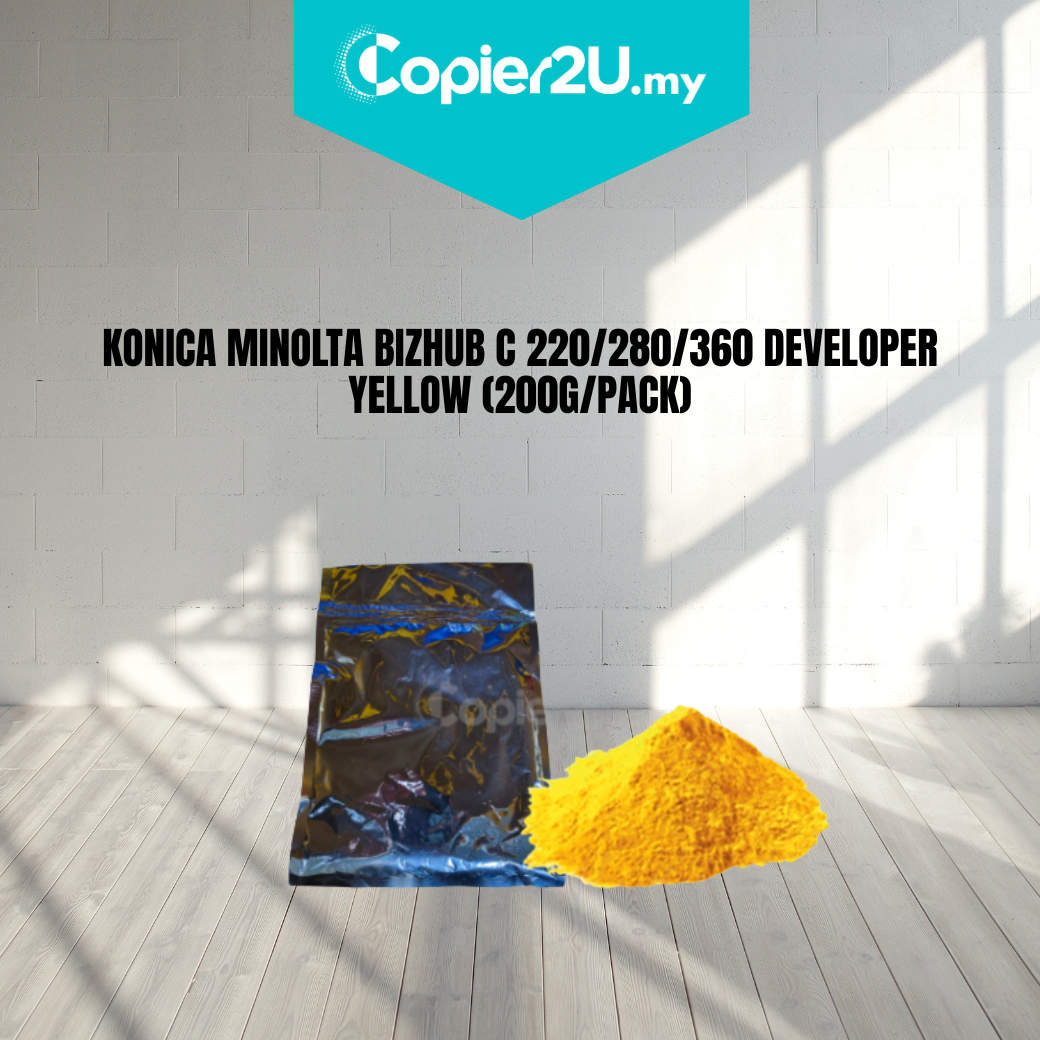
Konica Minolta DV-311Y Yellow Developer Powder (200g Pack)
Product Overview Restore the color accuracy of your printer with our Premium 200g Yellow Developer Powder. Formulated specifically for the Konica Minolta Bizhub C220, C280, and C360 series, this developer (DV-311Y) is essential for maintaining the correct electrostatic charge of your yellow toner.
If your machine is producing faded yellow hues, "Low Density" errors, or uneven color patches, replacing the developer carrier is the professional way to bring your machine back to factory standards.
Key Features:
- Precision 200g Fill: Packed to the exact weight required for a full refresh of the yellow developer housing unit.
- Vibrant Yellow Reproduction: Engineered to provide a wide color gamut and stable color blending for high-end graphics.
- High-Grade Carrier Beads: Features advanced magnetic properties to ensure smooth toner transfer and reduce "developer spitting" inside the machine.
- Long-Life Stability: Designed to withstand high-volume print runs without losing its charging capability, even in humid environments.
Specifications:
- Color: Yellow (Y)
- Net Weight: 200g per pack
- Model Code: DV-311Y / A0XV08D
- Compatibility: * Konica Minolta Bizhub C220
- Konica Minolta Bizhub C280
- Konica Minolta Bizhub C360
- Condition: New (Premium Compatible)
Technician’s Maintenance Tip:
Before adding the new DV-311Y powder, ensure the developer unit is vacuumed clean of old, tired carrier. Once installed, perform the "TCR Supply" or "L-Detection" calibration in the service mode to allow the machine to recognize the new developer density and set the correct toner supply levels.