
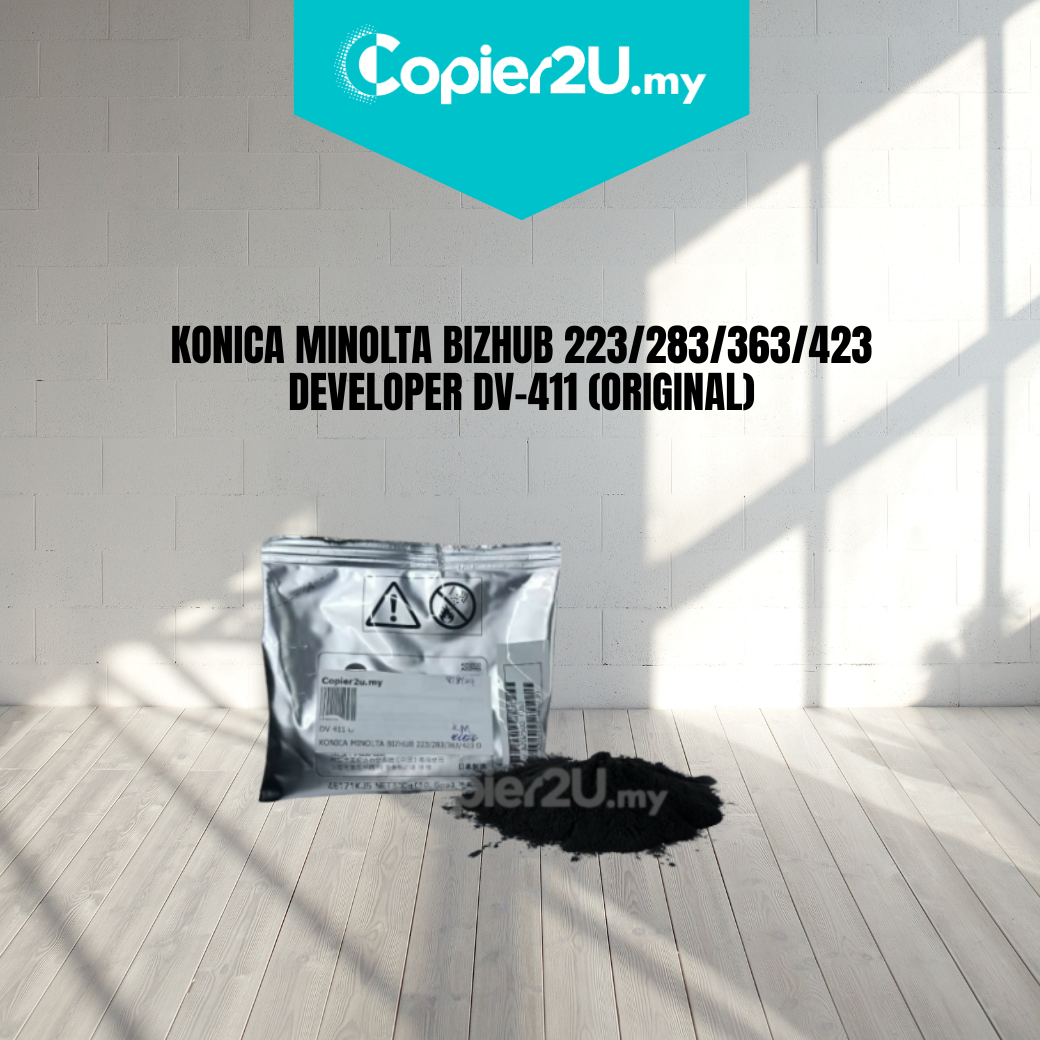
Original Konica Minolta DV-411 Black Developer (A202500)
Product Overview Maintain the professional output of your monochrome multifunction printer with the Genuine Konica Minolta DV-411 Black Developer. Specifically formulated for the Bizhub 223, 283, 363, and 423 series, this original developer powder is essential for the correct charging and transfer of toner to the drum.
Using OEM DV-411 developer ensures that your machine operates at peak efficiency, preventing common print defects such as faded text, uneven gray backgrounds, and premature wear on the developing roller.
Key Features:
- 100% Genuine Konica Minolta: Authentic OEM product (A202500) designed specifically for the Bizhub 223-423 engine.
- Superior Image Density: Provides the exact magnetic properties required for deep, rich blacks and sharp fine lines.
- Extended Machine Life: Original developer carrier beads are designed to minimize friction, protecting your drum unit and developer housing from internal damage.
- Consistent Yield: Engineered to last for the full duration of the machine's maintenance cycle without dropping in quality.
Specifications:
- Color: Black (K)
- Part Number: DV-411 / A202500
- Compatibility: * Konica Minolta Bizhub 223
- Konica Minolta Bizhub 283
- Konica Minolta Bizhub 363
- Konica Minolta Bizhub 423
- Condition: New Original (OEM)
Technician’s Maintenance Tip:
When installing the Original DV-411, ensure you perform the "Developer Mixing" and "L-Detection" (F8) calibration in the service mode. This allows the machine to calibrate its sensors to the new developer material, ensuring perfect toner-to-developer ratios and preventing "Toner Spilling" or "Low Density" errors.