
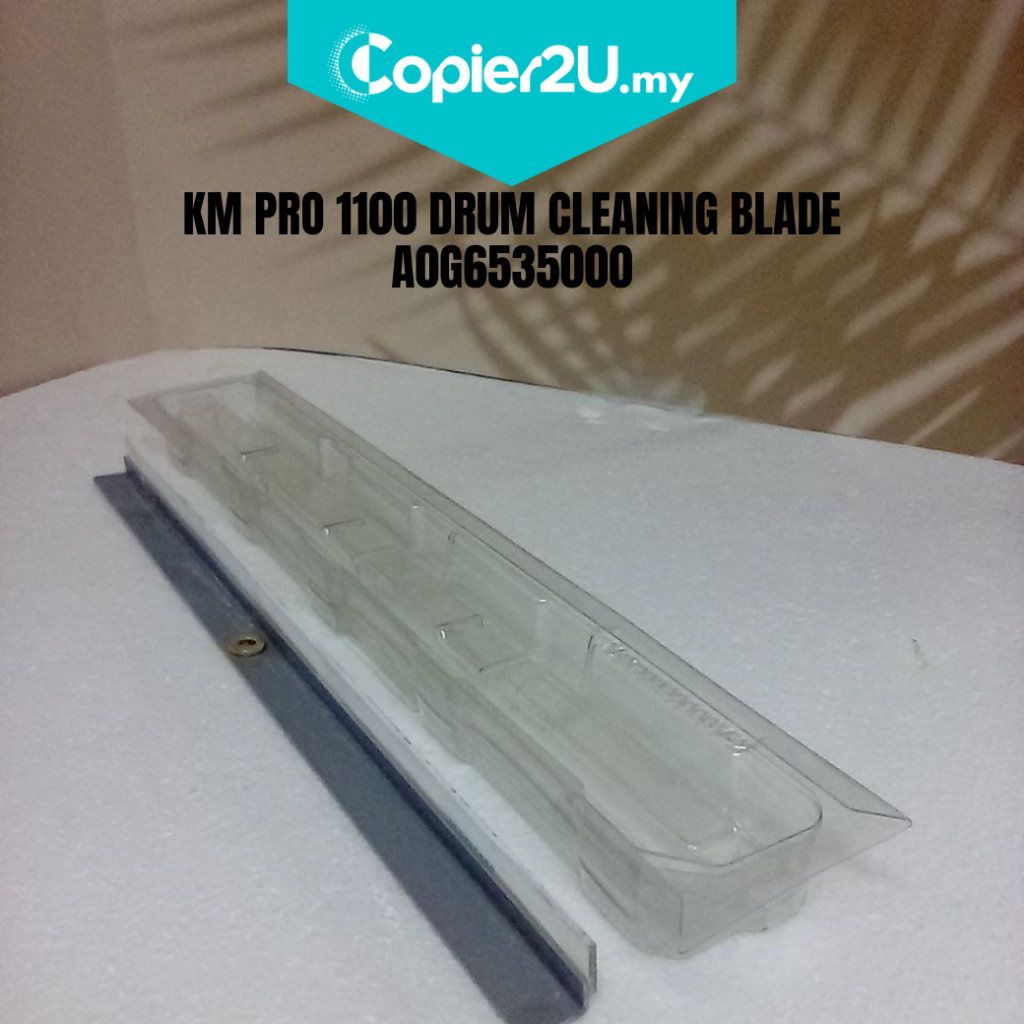
Konica Minolta A0G6535000 Drum Cleaning Blade – Bizhub PRO 1100 / AccurioPress 6120/6136
Product Overview Maintain the flawless monochrome quality of your digital press with our High-Performance A0G6535000 Drum Cleaning Blade. This industrial-grade wiper blade is specifically designed for Konica Minolta's production engines, including the Bizhub PRO 1100 and the AccurioPress 6120/6136 series.
In a production environment running at 100+ pages per minute, the cleaning blade is under constant thermal and mechanical stress. The A0G6535000 is manufactured with a specialized high-density polyurethane edge that ensures 100% removal of residual toner, preventing background fogging and vertical black lines on your high-volume print runs.
Key Features:
- Production-Grade Reliability: Engineered to withstand the high-torque and high-speed demands of the 100ppm–136ppm engine.
- Precision Edge Technology: The blade edge is ground to micron-level accuracy to provide a perfect seal against the OPC drum without causing surface scoring.
- Superior Toner Removal: Effectively wipes away high-density black toner, ensuring every page is as clean as the first, even on long runs of 10,000+ sheets.
- Reduced Friction Formula: Formulated to minimize heat buildup at the point of contact with the drum, extending the life of both the blade and the imaging unit.
Specifications:
- Product: Drum Cleaning Blade (Wiper Blade)
- Part Number: A0G6535000 / A0G6-5350-00
- Compatibility:
- Bizhub PRO: 1100 / 1051 / 1200 / 1200P
- AccurioPress: 6120 / 6136 / 6136P
- Condition: New [Insert "Original" or "Premium Compatible"]
Technician’s Maintenance Tip:
The Bizhub PRO 1100 series generates significant heat. When installing the A0G6535000 blade, it is absolutely critical to check the Waste Toner Auger for any clogs. If waste toner backs up, it puts upward pressure on the blade, causing it to "chatter" and leave uneven marks on the drum.
Critical Warning: Never install this blade "dry." Always apply a generous layer of Yellow Toner or Setting Powder (Kynar) to the blade edge. Without lubrication, the massive drive motor of the PRO 1100 will flip the blade edge instantly upon the first rotation, resulting in permanent damage to the drum surface.