
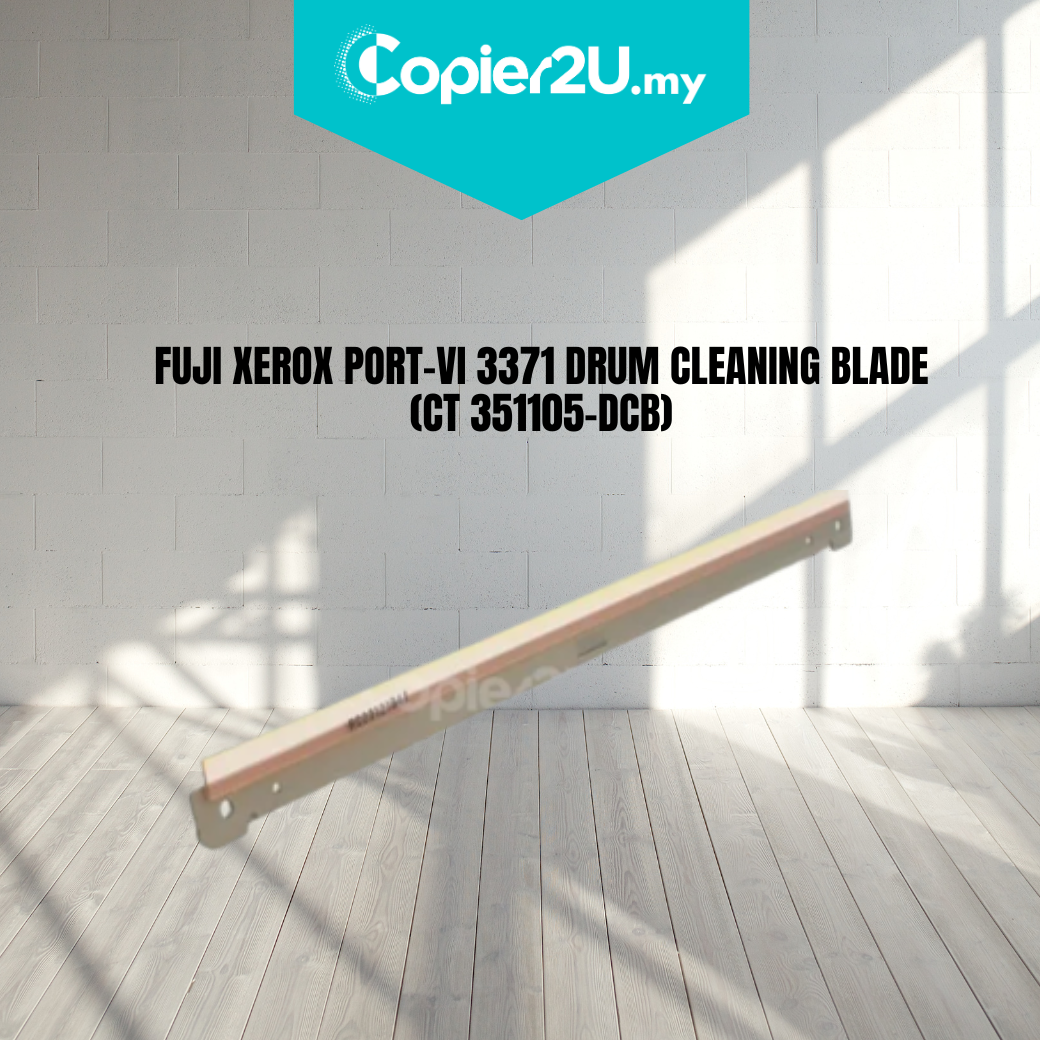
Fuji Xerox ApeosPort-VI C2271 / C3371 / C4471 Drum Cleaning Blade (CT351105)
Product Overview Maintain the vibrant, high-definition color output of your Fuji Xerox VI Generation machine with our Premium Drum Cleaning Blade (CT351105). This precision-engineered wiper blade is the primary cleaning component for the ApeosPort-VI and DocuCentre-VI C2271, C3371, C4471, and C5571 series.
As the heart of the imaging unit, this blade ensures that the OPC drum is perfectly cleaned of residual toner after every revolution. If you are experiencing fine vertical color lines or "shadowing" on your prints, replacing the cleaning blade is the most effective way to restore your machine's professional image quality.
Key Features:
- Advanced Polyurethane Formula: Features a high-performance, abrasion-resistant polyurethane edge that maintains a consistent seal against the drum without causing surface wear.
- Universal Color Application: This blade is compatible with all four drum units (Black, Cyan, Magenta, or Yellow) within the VI-series engine.
- OEM-Matched Pressure: Designed to meet the exact tension specifications of the CT351105 imaging unit, preventing "blade chatter" or noise during high-speed printing.
- Cost-Efficient Maintenance: A professional solution for technicians looking to rebuild imaging units rather than replacing the entire expensive assembly.
Specifications:
- Product: Drum Cleaning Blade (Wiper Blade)
- Part Number Reference: CT351105 / CT351105-DCB
- Compatibility:
- Fuji Xerox ApeosPort-VI C2271 / C3371 / C4471 / C5571
- Fuji Xerox DocuCentre-VI C2271 / C3371 / C4471 / C5571
- Fuji Xerox ApeosPort-VII / DocuCentre-VII equivalents
- Condition: New (Premium Grade)
Technician’s Maintenance Tip:
The Fuji Xerox VI-series uses a specialized chemical toner with very small particles. When installing the CT351105 blade, the cleaning edge must be properly lubricated to ensure it doesn't "grip" the dry drum.
Pro-Tip: Lightly dust the polyurethane edge with Setting Powder (Kynar) or a small amount of yellow toner before reassembling the unit. This prevents "blade flip" and ensures a smooth startup. Additionally, check the Charge Roller for any toner buildup, as a dirty roller can often look like a failed cleaning blade.