
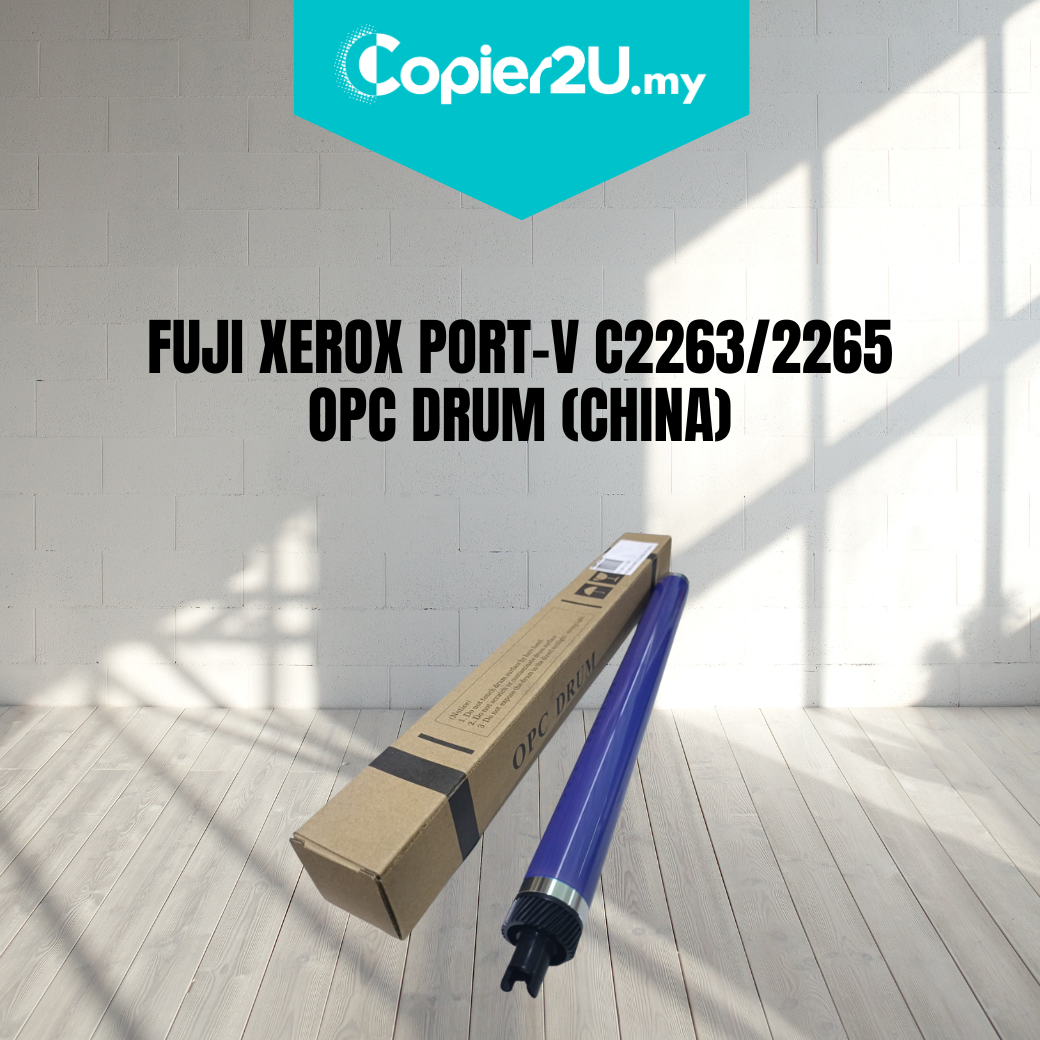
Fuji Xerox ApeosPort-V C2263 / C2265 OPC Drum – Premium China Grade
Product Overview Restore the professional image quality of your Fuji Xerox color MFP with our Premium China-Grade OPC Drum. Specifically engineered for the Fuji Xerox ApeosPort-V and DocuCentre-V C2263 and C2265 (including the "i" series), this drum cylinder is a high-quality replacement for the imaging component within the CT351053 drum unit.
This OPC (Organic Photoconductor) drum is the primary imaging surface of your machine. If you are experiencing background shading, blurry text, or repetitive spots on your prints, replacing the drum cylinder is the most cost-effective way to overhaul your imaging unit without the high price tag of an OEM assembly.
Key Features:
- Stable Charge Sensitivity: Optimized to work with the Fuji Xerox V-series charging system, ensuring consistent toner transfer and vibrant color saturation.
- Universal Color Application: Designed for use in any of the four drum positions: Black (K), Cyan (C), Magenta (M), or Yellow (Y).
- High-Definition Surface Coating: Features a multi-layered coating that provides sharp contrast and fine detail, essential for business graphics and high-resolution documents.
- Cost-Efficient Rebuild: An ideal choice for service providers managing large fleets; allows for a high-quality rebuild of the original CT351053 housing.
Specifications:
- Product: OPC Drum (Cylinder Only)
- Grade: China (High-Reliability Compatible)
- Drum Unit Reference: CT351053 / CT351050 / CT351052
- Compatibility:
- Fuji Xerox ApeosPort-V C2263 / C2265
- Fuji Xerox DocuCentre-V C2263 / C2265
- Fuji Xerox ApeosPort-IV C2260 / C2263 / C2265
- Condition: New
Technician’s Maintenance Tip:
The Fuji Xerox V C2263/C2265 drum units are precision assemblies. When replacing the CT351053 OPC Drum, you must also replace the Drum Cleaning Blade and the Drum Chip (Zhono). An old blade will have invisible wear that will scratch the new drum surface, leading to premature failure.
Pro-Tip: Before installing the new drum into the machine, manually rotate the drum gear slightly to ensure the cleaning blade is seated correctly and there is no "binding." Always perform the "Graduation Adjustment" in the Service Menu after installation to calibrate the color density to the new drum's specific electrical properties.