
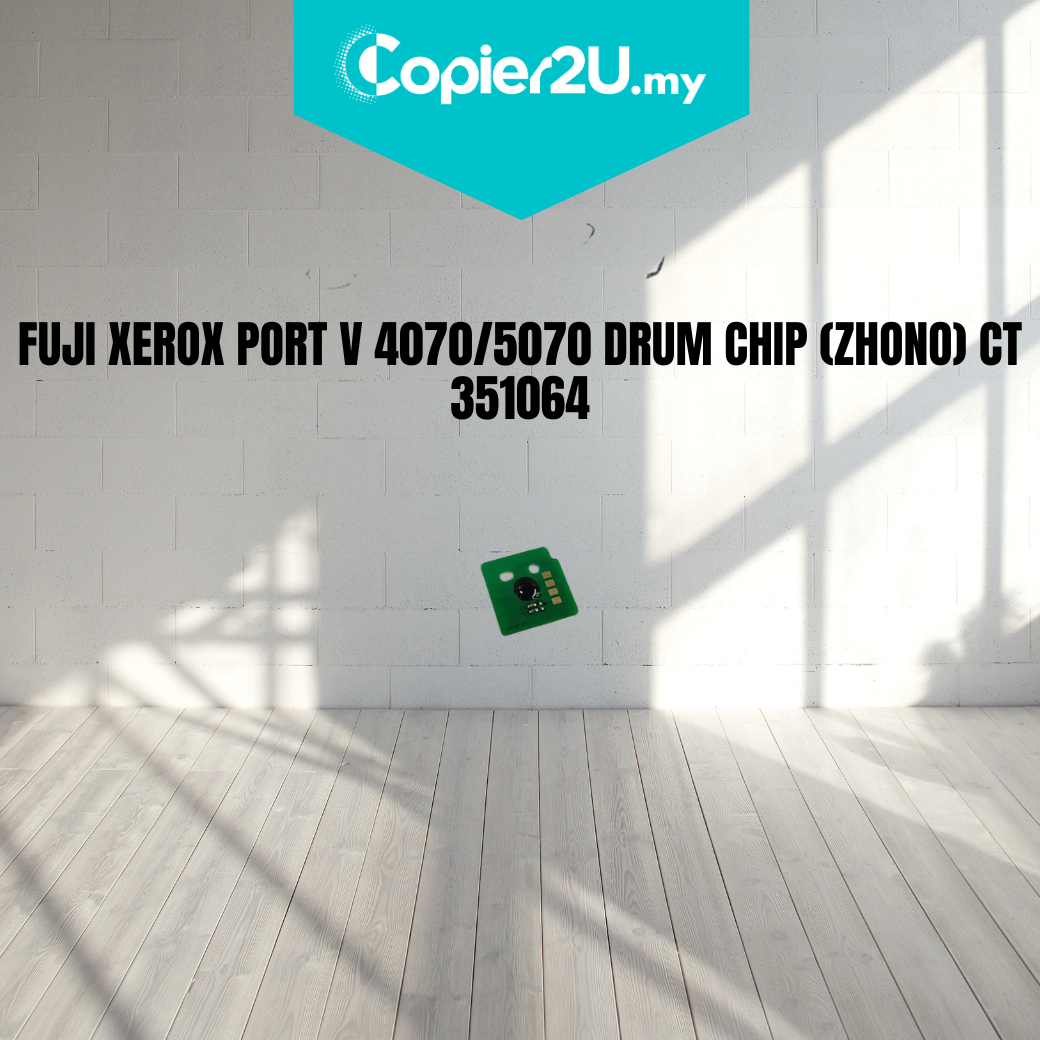
Zhono Premium Drum Reset Chip (CT351064) for Fuji Xerox ApeosPort-V 4070 / 5070
Product Overview Reset your machine’s maintenance cycle with confidence using the Zhono Premium Drum Chip. Engineered specifically for the Fuji Xerox ApeosPort-V and DocuCentre-V 4070/5070 series, this chip replaces the CT351064 and is the preferred choice for professional technicians worldwide.
As the "brain" of the drum unit, a high-quality chip is essential for accurate page counting and seamless communication with the printer's firmware. Zhono chips are renowned for their OEM-level stability, ensuring your machine doesn't reject the drum unit or display "Non-Genuine" warning messages.
Key Features:
- Zhono Smart-Tech Architecture: Features the latest firmware version to ensure 100% compatibility with all Fuji Xerox machine updates.
- Accurate Life Monitoring: Precisely tracks drum usage to provide reliable "Toner Low" and "End of Life" alerts, preventing unexpected downtime.
- Stable Signal Transmission: Gold-plated contact points ensure a perfect electrical connection, eliminating "CRUM Communication Errors."
- Cost-Effective Rebuild: Perfect for rebuilding the CT351064 drum unit, allowing you to reuse high-quality hardware while resetting the software counter.
Specifications:
- Brand: Zhono (World Leader in Imaging Chips)
- Part Number: CT351064
- Yield: Approximately 65,000 - 80,000 Pages (Subject to machine settings)
- Compatibility:
- Fuji Xerox ApeosPort-V 4070 / 5070
- Fuji Xerox DocuCentre-V 4070 / 5070
- Condition: New (Premium Grade)
Technician’s Maintenance Tip:
The ApeosPort-V 4070/5070 series is sensitive to chip installation timing. To ensure a successful reset, always power off the machine completely before removing the old drum unit. After installing the new Zhono CT351064 chip, slide the drum back in and power the machine on. The machine should automatically recognize the "New" unit and reset the maintenance counter.
Pro-Tip: Before installing the chip, wipe the contact pins inside the printer with a dry, lint-free cloth or a contact cleaner to ensure no residual toner dust interferes with the data transfer.