
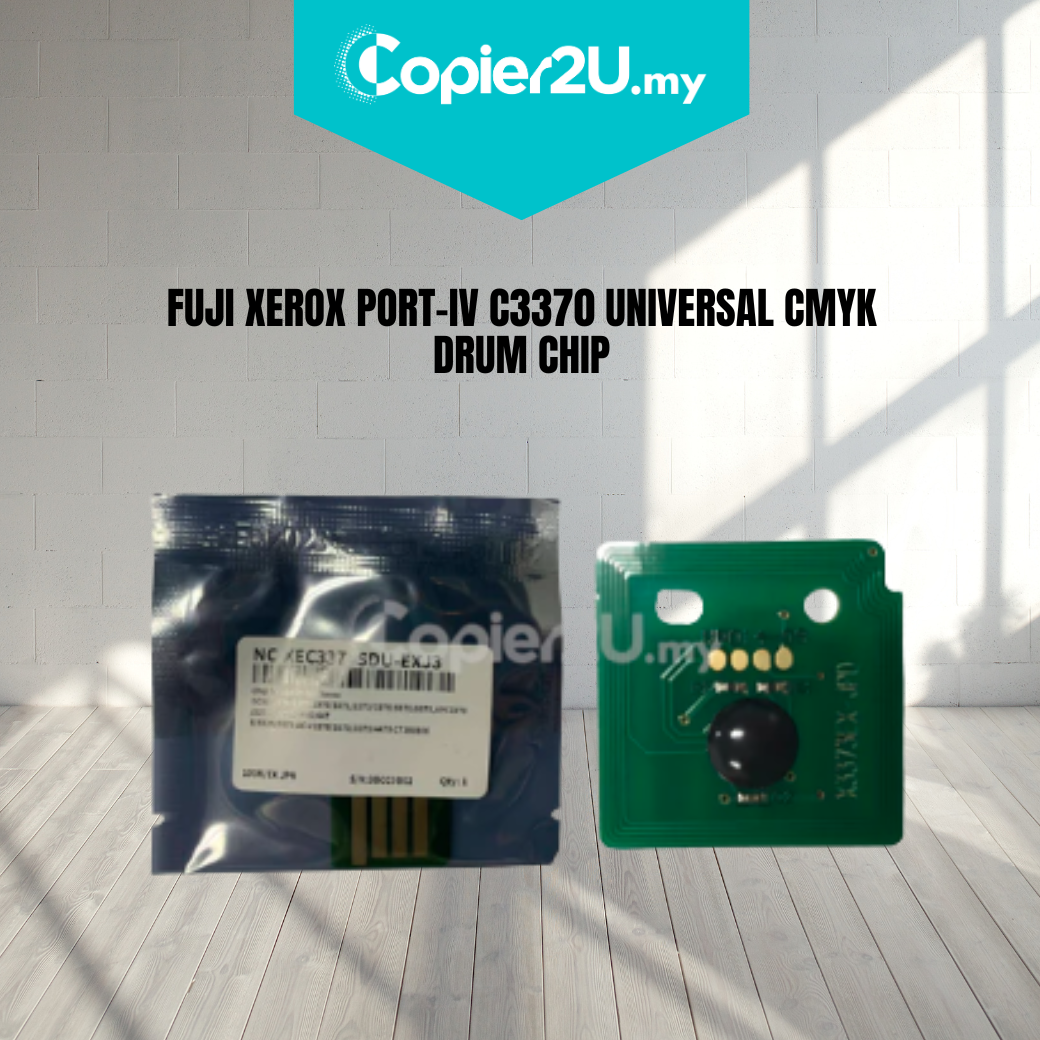
Fuji Xerox ApeosPort-IV C2270 / C3370 / C3373 / C3375 Universal CMYK Drum Chip
Product Overview Simplify your maintenance inventory with our Universal CMYK Drum Reset Chip. Specifically engineered for the Fuji Xerox ApeosPort-IV and DocuCentre-IV color series, this high-performance chip is designed to work in any of the four drum positions (Black, Cyan, Magenta, or Yellow).
This chip is the essential solution for "Replace Drum Cartridge" errors. When installed on a rebuilt or new drum cylinder, it resets the internal counter of the machine, allowing you to utilize the full life of your imaging components. Our universal version is programmed with the latest firmware to ensure instant recognition across all IV-series engine speeds.
Key Features:
- Universal Color Logic: A single chip part number that auto-detects the slot it is placed in (K, C, M, or Y), reducing the need to carry four separate SKUs.
- Seamless Handshake: Built with premium logic gates to bypass "Non-Genuine" hardware warnings and "CRUM Communication" errors.
- Precise Yield Tracking: Calibrated to match the high-yield specifications of the CT350850 / CT350806 drum series for long-term reliability.
- Gold-Plated Contacts: Features high-conductivity contact points to prevent data signal loss caused by vibration or toner dust.
Specifications:
- Product: Drum Unit Reset Chip (CRUM)
- Color: Universal (Black, Cyan, Magenta, or Yellow)
- Compatibility:
- Fuji Xerox ApeosPort-IV C2270 / C2275
- Fuji Xerox ApeosPort-IV C3370 / C3371 / C3373 / C3375
- Fuji Xerox DocuCentre-IV C2270 / C3370 / C3375
- Drum Reference: CT350850 / CT350806 / CT350807 / CT350808 / CT350809
- Condition: New
Technician’s Maintenance Tip:
The Fuji Xerox IV-series drum units are interchangeable, but the machine tracks them by the serial number on the chip. To ensure a successful reset:
- Clean the Contact Pins: Before sliding the drum back in, wipe the leaf-spring contacts inside the machine with a dry cloth. Toner buildup here is the #1 cause of "Drum Not Recognized" errors.
- The "Power-Off" Rule: For the best results, install the new chip while the machine's main power is OFF. This forces the system to perform a fresh polling of all CRUM data upon startup.
- Check the Blade: If you are resetting the chip, ensure you have also replaced the Drum Cleaning Blade. A reset chip on a drum with an old blade will likely cause a "Waste Toner Full" error or physical damage to the drum.