
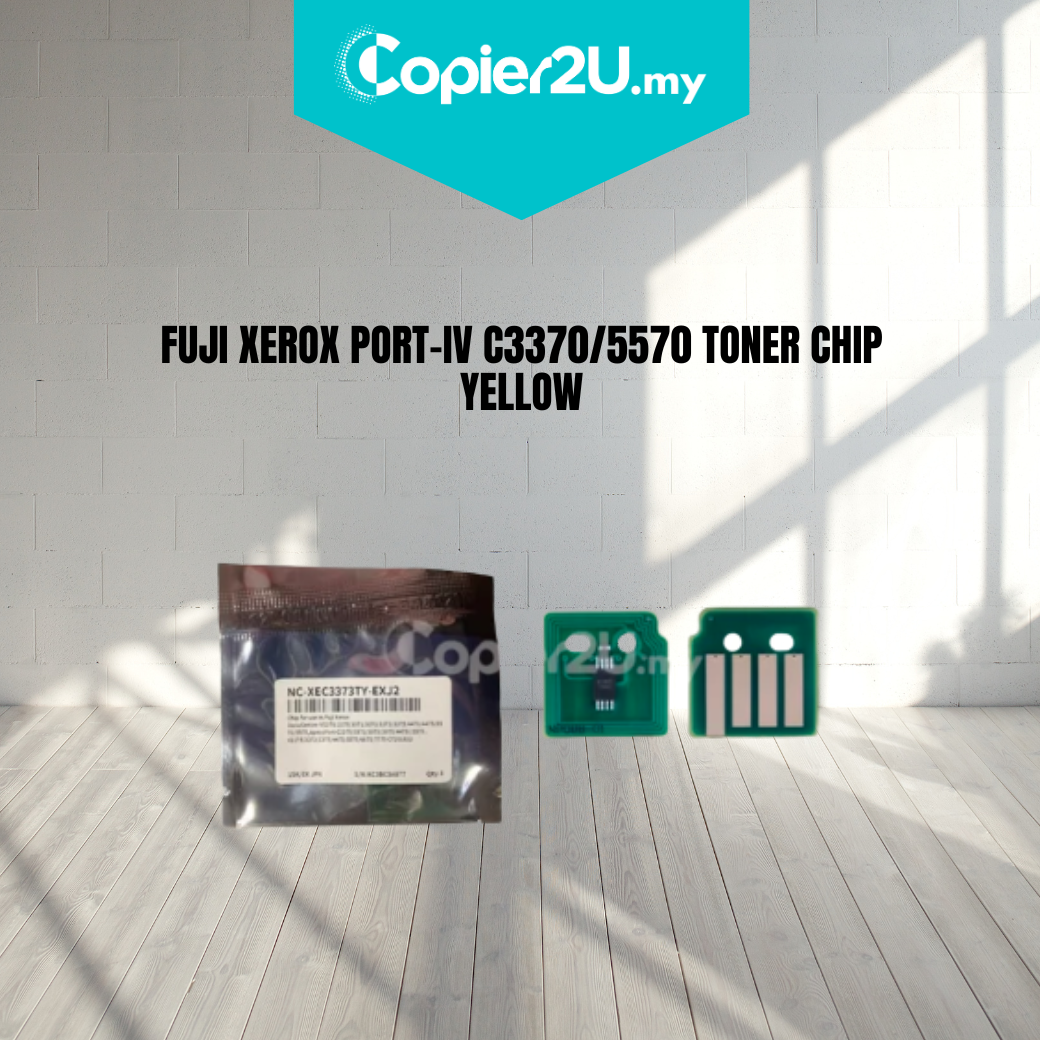
Zhono Premium Yellow Toner Chip (15,000 Yield) for Fuji Xerox IV C3370 / C3373 / C3375
Product Overview Ensure seamless color printing with the Zhono Premium Yellow Toner Chip. Engineered for the Fuji Xerox ApeosPort-IV and DocuCentre-IV C3370, C3373, and C3375 series, this high-performance chip is designed to meet the exact data requirements of the Xerox IV-generation engine.
Produced by Zhono, the industry leader in imaging circuit technology, this chip provides accurate toner level monitoring and reliable "Toner Low" alerts. It is the perfect solution for remanufacturers and businesses looking to reset their toner cartridges without the risk of "Non-Genuine" errors or machine lockouts.
Key Features:
- Zhono Smart-Sync Technology: Features the most stable firmware to ensure a perfect handshake with the printer, avoiding common "Communication Errors."
- High-Yield Performance: Programmed for a stable 15,000-page yield (@ 5% coverage), matching the original high-capacity yellow cartridge specifications.
- Precise Level Monitoring: Provides real-time tracking of toner consumption, allowing for better supply management and preventing mid-job interruptions.
- Stable Signal Transmission: Equipped with high-quality gold-plated contact points to ensure a consistent electrical connection inside the printer's hopper.
Specifications:
- Brand: Zhono
- Color: Yellow (Y)
- Estimated Yield: 15,000 Pages (@ 5% Coverage)
- Compatibility:
- Fuji Xerox ApeosPort-IV C3370 / C3371 / C3373 / C3375
- Fuji Xerox DocuCentre-IV C3370 / C3371 / C3373 / C3375
- Fuji Xerox ApeosPort-V / DocuCentre-V equivalents (Check specific regional codes)
- Condition: New (Premium Grade)
Technician’s Maintenance Tip:
The Fuji Xerox C3370 series is sensitive to the order of operations during toner replacement. To ensure the new Zhono chip is recognized immediately:
- Always replace the chip while the toner cartridge is outside of the machine.
- Ensure the chip is seated firmly in the correct orientation.
- Wipe the contact pins inside the printer hopper with a dry, lint-free cloth to remove any stray toner dust that could cause a connection failure.
Pro-Tip: If the machine displays a "Toner Not Recognized" error after installation, power the machine off, wait 30 seconds, and restart. This forces the system to re-poll the chip data.