
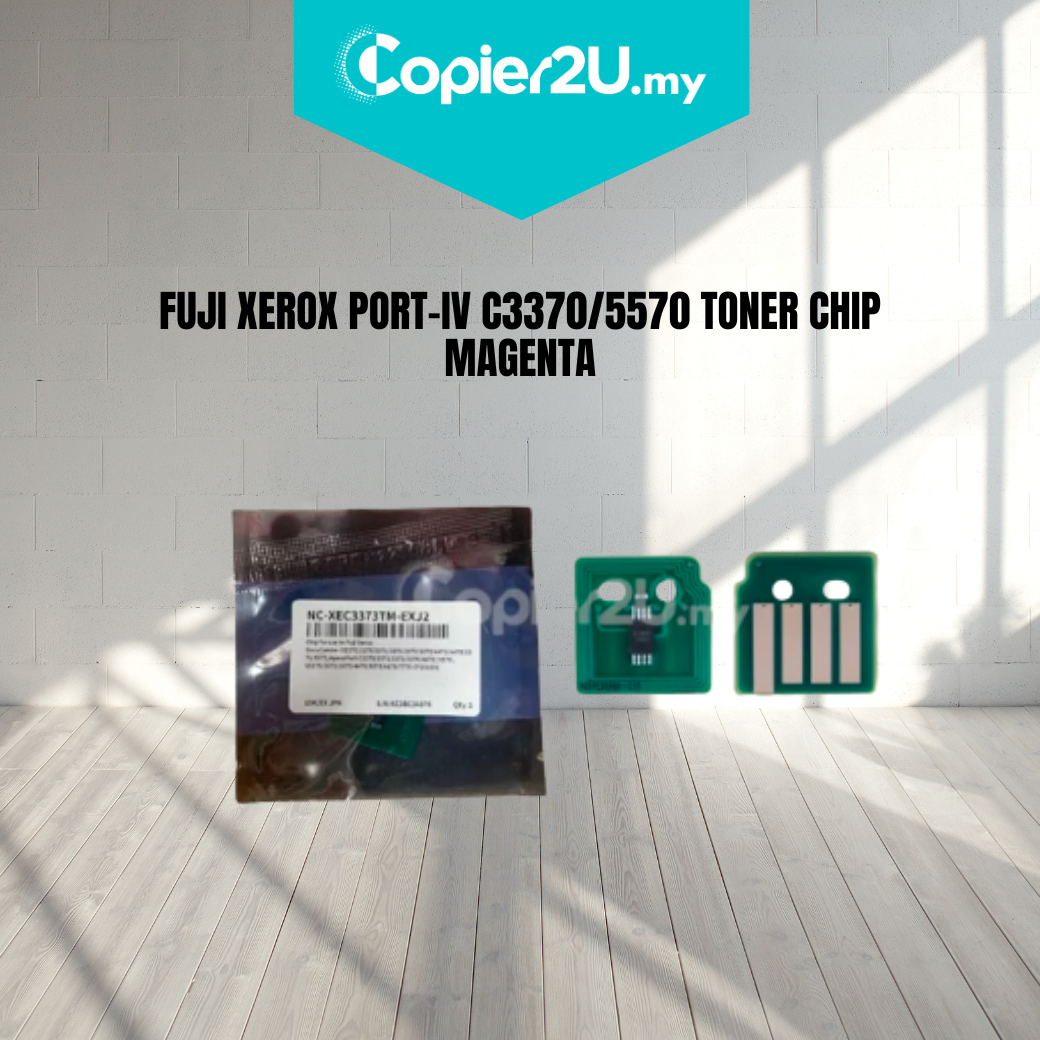
Premium Magenta Toner Reset Chip (15,000 Yield) for Fuji Xerox IV C3370 / C3373 / C3375
Product Overview Restore your printer’s magenta levels and ensure uninterrupted production with our High-Capacity Magenta Toner Chip. Specifically engineered for the Fuji Xerox ApeosPort-IV and DocuCentre-IV C3370, C3373, and C3375 series, this chip is the essential component for toner cartridge remanufacturing or refill applications.
Programmed with a robust 15,000-page yield (at 5% coverage), this smart-chip ensures a seamless "handshake" with the printer's controller. It provides accurate real-time toner monitoring, ensuring your machine produces vibrant, consistent color without "Non-Genuine" error messages or premature "Replace Toner" warnings.
Key Features:
- High-Yield Programming: Calibrated for a stable 15,000-page capacity, matching the original high-yield magenta cartridge specifications for the IV-series.
- Stable Firmware Integration: Optimized to bypass communication errors, ensuring the machine recognizes the magenta cartridge instantly upon installation.
- Precise Color Management: Maintains the correct pixel-count data to ensure consistent magenta saturation and professional-grade color accuracy.
- Gold-Plated Contact Points: Features high-conductivity contact surfaces to prevent data signal loss caused by toner dust or humidity.
Specifications:
- Product: Toner Cartridge Reset Chip
- Color: Magenta (M)
- Estimated Yield: 15,000 Pages (at 5% Coverage)
- Compatibility:
- Fuji Xerox ApeosPort-IV C3370 / C3371 / C3373 / C3375
- Fuji Xerox DocuCentre-IV C3370 / C3371 / C3373 / C3375
- Fuji Xerox ApeosPort-V equivalents (Regional variations)
- Condition: New (Premium Grade)
Technician’s Maintenance Tip: The Fuji Xerox IV-series machines verify chip data the moment the toner hopper is engaged. To ensure a 100% success rate:
- Clean the Sensor Pins: Use a dry, lint-free cloth or a contact cleaner to wipe the pins inside the printer’s toner slot. Toner dust buildup here is the primary cause of "Toner Not Recognized" errors.
- Verify Seating: Ensure the chip is clipped perfectly flat into the cartridge holder; any tilt can prevent the pins from reading the data.
- Power Cycle: If the machine does not recognize the new chip immediately, power the machine off, wait 30 seconds, and restart. This forces a full system re-poll of all consumable data.