
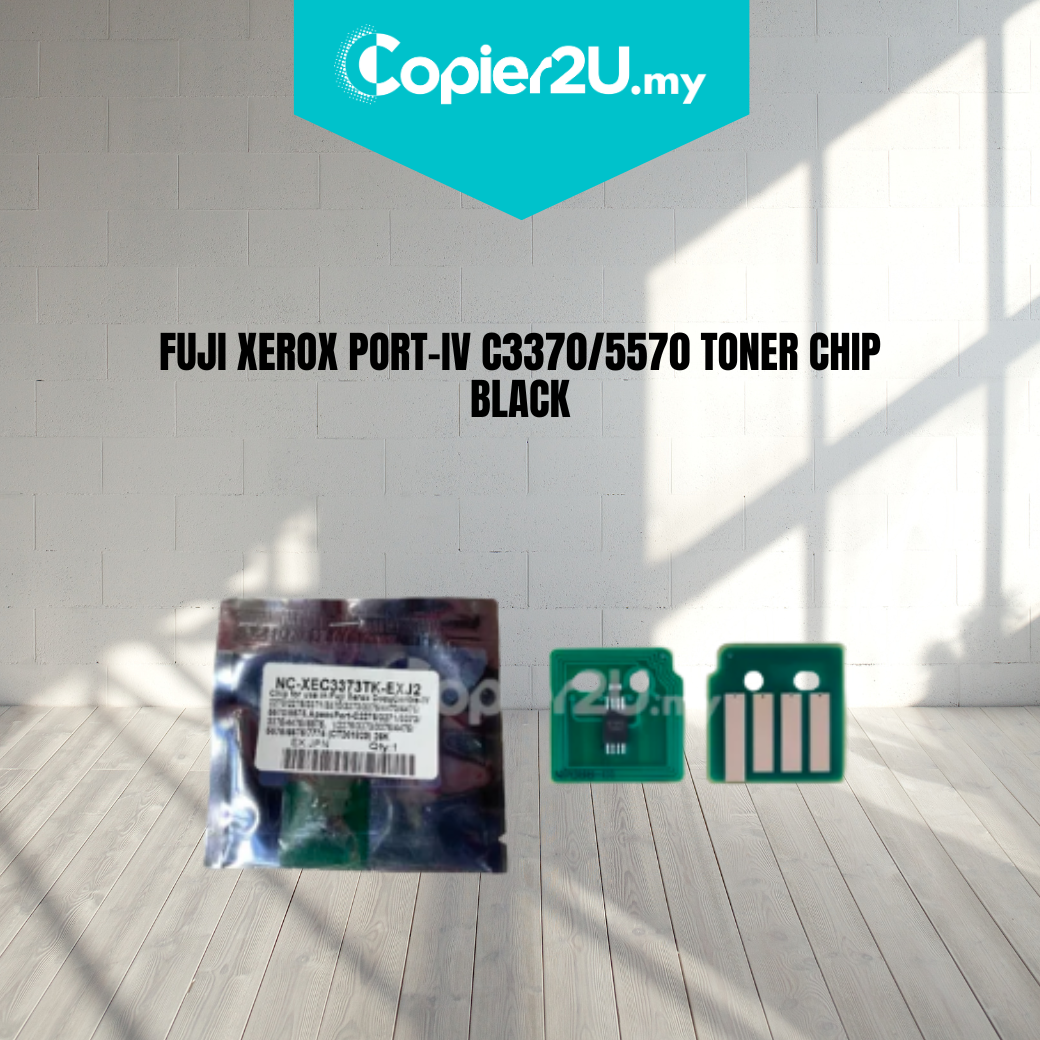
Zhono Premium Black Toner Reset Chip (26,000 Yield) for Fuji Xerox IV C3370 / C3373 / C3375
Product Overview Maximize your monochrome output and eliminate downtime with the Zhono Premium Black Toner Chip. Specifically engineered for the Fuji Xerox ApeosPort-IV and DocuCentre-IV C3370, C3373, and C3375 series, this high-capacity chip is the professional choice for resetting and remanufacturing black toner cartridges.
As a Zhono product, this chip features industry-leading firmware that ensures your machine recognizes the cartridge instantly. With a programmed yield of 26,000 pages, it allows you to take full advantage of high-capacity toner fills, providing accurate level monitoring and preventing "Non-Genuine" hardware lockouts.
Key Features:
- Zhono Smart-Sync Technology: Offers the most stable data handshake in the industry, preventing "Communication Errors" common in the Fuji Xerox IV series.
- High-Capacity 26K Yield: Calibrated to track up to 26,000 pages (@ 5% coverage), matching the original high-yield black (K) cartridge specifications.
- Real-Time Data Tracking: Provides precise monitoring of remaining toner levels, ensuring you receive timely "Toner Low" warnings before the cartridge is empty.
- Premium Electrical Contacts: Features corrosion-resistant gold-plated contacts for a perfect signal connection with the printer's internal sensors.
Specifications:
- Brand: Zhono
- Color: Black (K)
- Estimated Yield: 26,000 Pages (@ 5% Coverage)
- Compatibility:
- Fuji Xerox ApeosPort-IV C3370 / C3371 / C3373 / C3375
- Fuji Xerox DocuCentre-IV C3370 / C3371 / C3373 / C3375
- Fuji Xerox ApeosPort-V equivalents (Regional code dependent)
- Condition: New (Premium Grade)
Technician’s Maintenance Tip:
The Fuji Xerox IV-series black cartridge has a higher rotation frequency than the color units. To ensure the Zhono chip functions flawlessly:
- Clean the Interface: Use a dry cotton swab to wipe the copper pins inside the printer’s toner hopper. A small amount of toner dust on these pins is the most common cause of chip read failures.
- Verify Chip Placement: Ensure the chip is clipped into the cartridge firmly. If the chip is loose or tilted, the machine may report a "CRUM Communication Error."
- Toner Agitation: Before inserting a refilled cartridge with a new chip, shake the cartridge horizontally several times to ensure the toner is evenly distributed, which helps the machine calibrate the density correctly.